Quote management
Create, Send, and Track Quotes with Ease
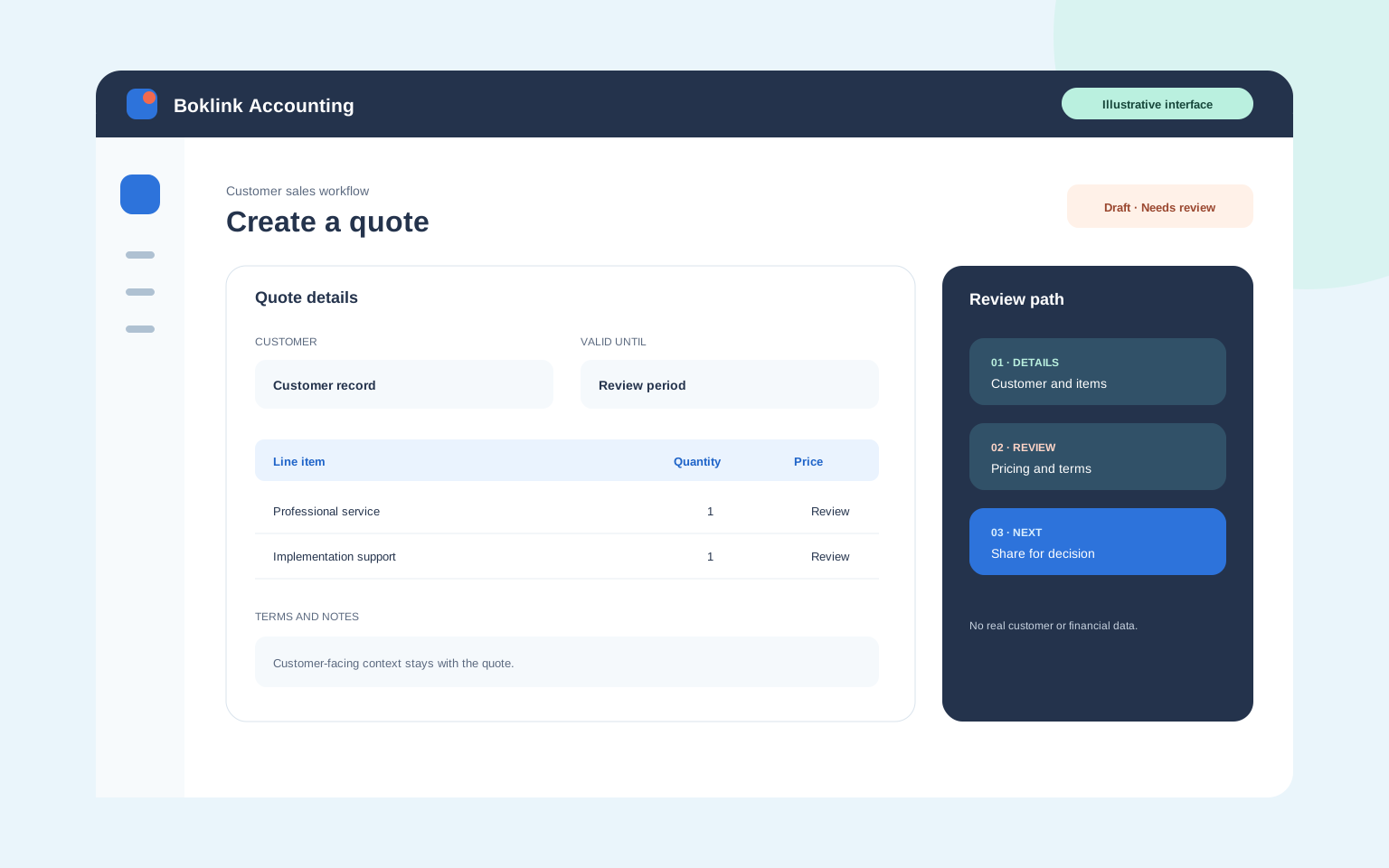
From first enquiry to final approval, keep your sales process moving with professional quotes. Boklink Accounting helps you create a quote, share it with your customer, and carry approvals straight into invoicing or sales orders — without re-entering a thing.
- Itemized pricing, taxes, and terms
- Real-time status tracking
- One-click conversion
Faster from the start
Make Quote Creation a Breeze
Draft
Draft Quotes Tailored to Every Customer
Build quotes that present your offer clearly. Add itemized pricing, taxes, terms, discounts, shipping costs, and notes — all inside a branded layout.
Track
Track Quote Status and Follow Up
Keep every quote in view. Follow each one from Sent to Accepted or Declined, and follow up at the right moment with clear status views and reminders.
Deliver
Send Quotes Instantly
Email quotes directly from the platform or share them through a secure client portal — and know the moment a customer views or responds.
The Conversion
Approved quotes shouldn't start the work over. Carry them straight into the next step of the sale.
Convert
Convert Quotes into Invoices or Sales Orders
Once a quote is approved, turn it into an invoice or sales order in one click — every line item, price, and term carries over. Less re-typing means fewer manual errors and faster invoicing.
Approvals
Speed Up Quote Approvals
Make it simple for customers to approve or decline. Real-time discussion and a self-service customer portal cut the back-and-forth, so decisions happen sooner.
Built-in tools
Work Smarter with Quoting Software
Manage multiple quotes with built-in tools — apply bulk actions, or filter by customer, amount, or status — whether you're quoting a one-off job or a long-running project.
Go further
And Do More with Quotes...
Create Estimates for Projects
Sending a quote for project work? Tag estimates to customers and projects so future invoicing and cost recovery stay accurate.
Learn moreCustomize Quote Templates
Create customized quote templates and personalize the message you send, so every client gets a consistent experience.
Learn moreAttach Files and Add Context
Support quotes with the documents that matter — specs, pricing sheets, or images — so clients have everything they need to decide.
Learn moreAnalyze Performance with Quote Reporting
Generate a summarized quote report showing what you sent and where each quote stands. Use the insights to sharpen your follow-up.
Learn moreFrom Quote to Cash — Boklink Accounting Simplifies It All.
Switch to the future of business accounting.